Keep bookings within reach
Review the mobile experience available with your setup.
Choose key actions
Identify the booking and account tasks your clients use most.
Keep details clear
Present services, appointments and location information in a readable mobile view.
Support the team
Review which daily tasks staff need away from the front desk.

In your business
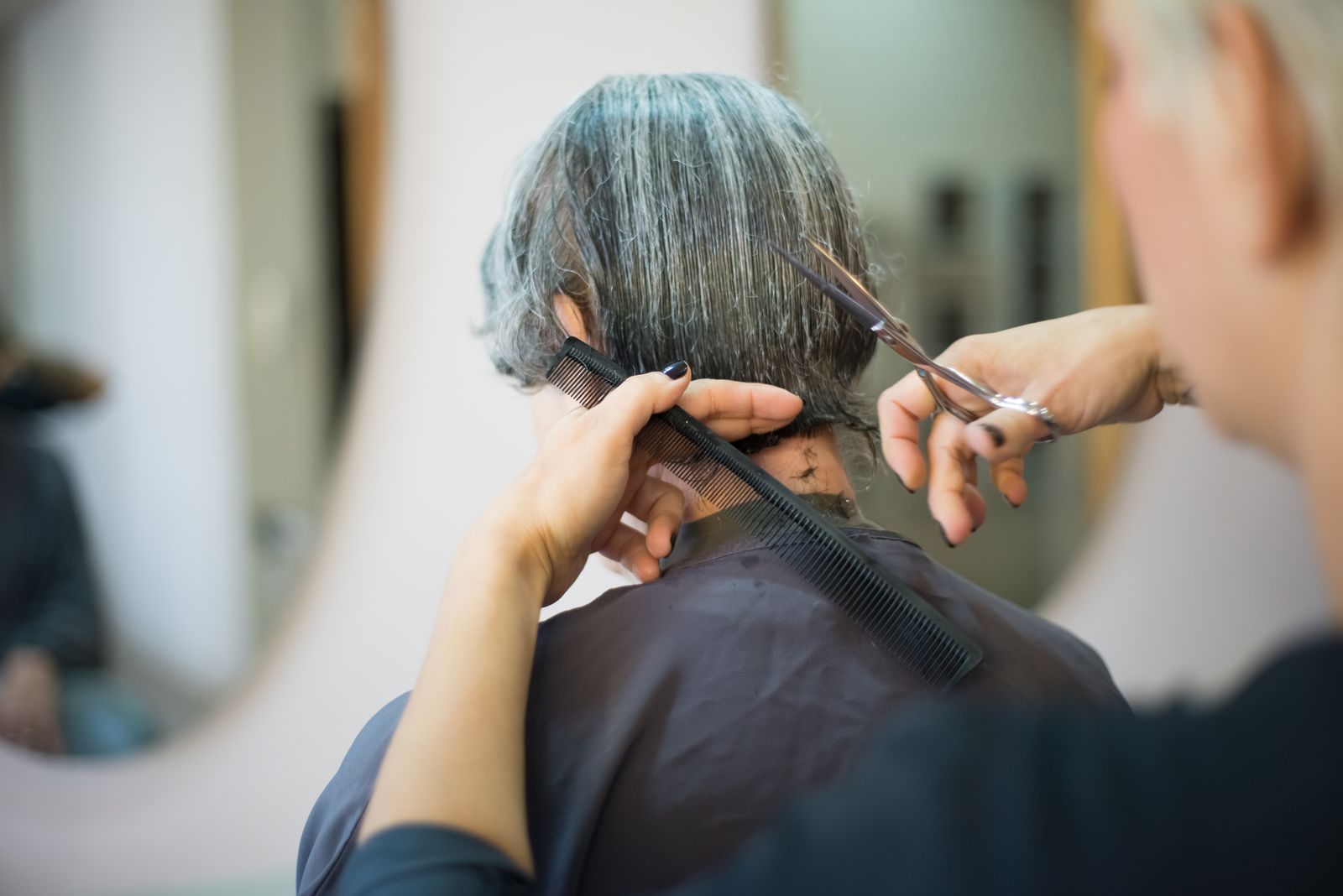
Hair Salons
Keep the day close with cut & finish in your salon.
Frequently asked questions
Is this a dedicated branded native app?
Shared mobile access is listed in the plan comparison. Confirm branded native app availability for your chosen plan. Compare plan inclusions.
What should clients be able to do on mobile?
Start with the tasks clients repeat most often: finding a service, choosing a time and checking visit details. Explore booking websites.
Can staff use mobile access while working?
Staff needs vary by role. Review available mobile actions, permissions and device support for your setup. Explore staff management.