Online Menu
Show your menu, prices and pickup details, and keep incoming orders in one list.
We don’t handle money. Alyeon is software only. Payments from your customers go straight to your own payment provider account, never through Alyeon. Alyeon doesn’t collect, hold or pay out funds.
Show your menu and record orders
Keep each order request clear, from product choice to pickup.
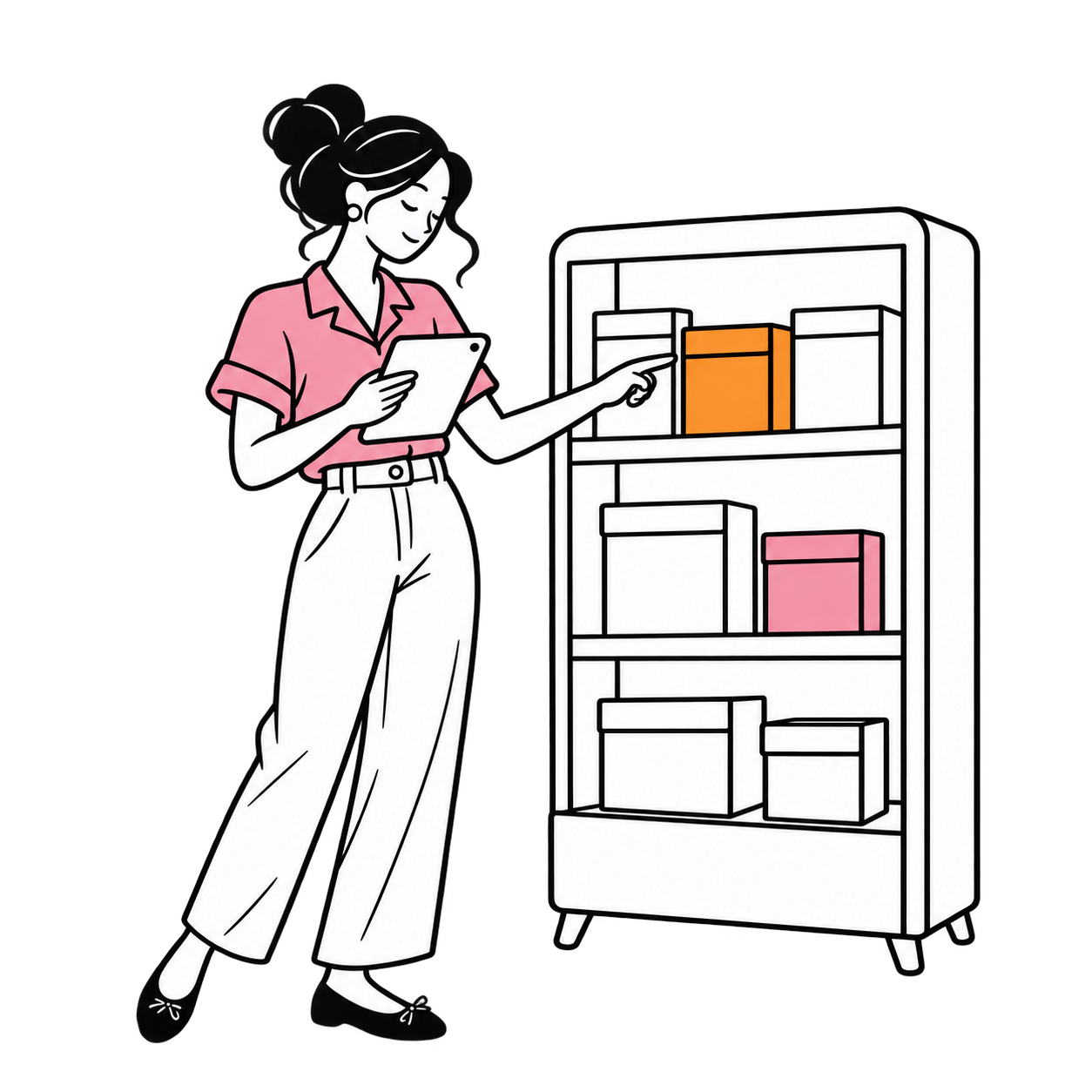
Prepare the menu
Add product names, images, descriptions and prices.
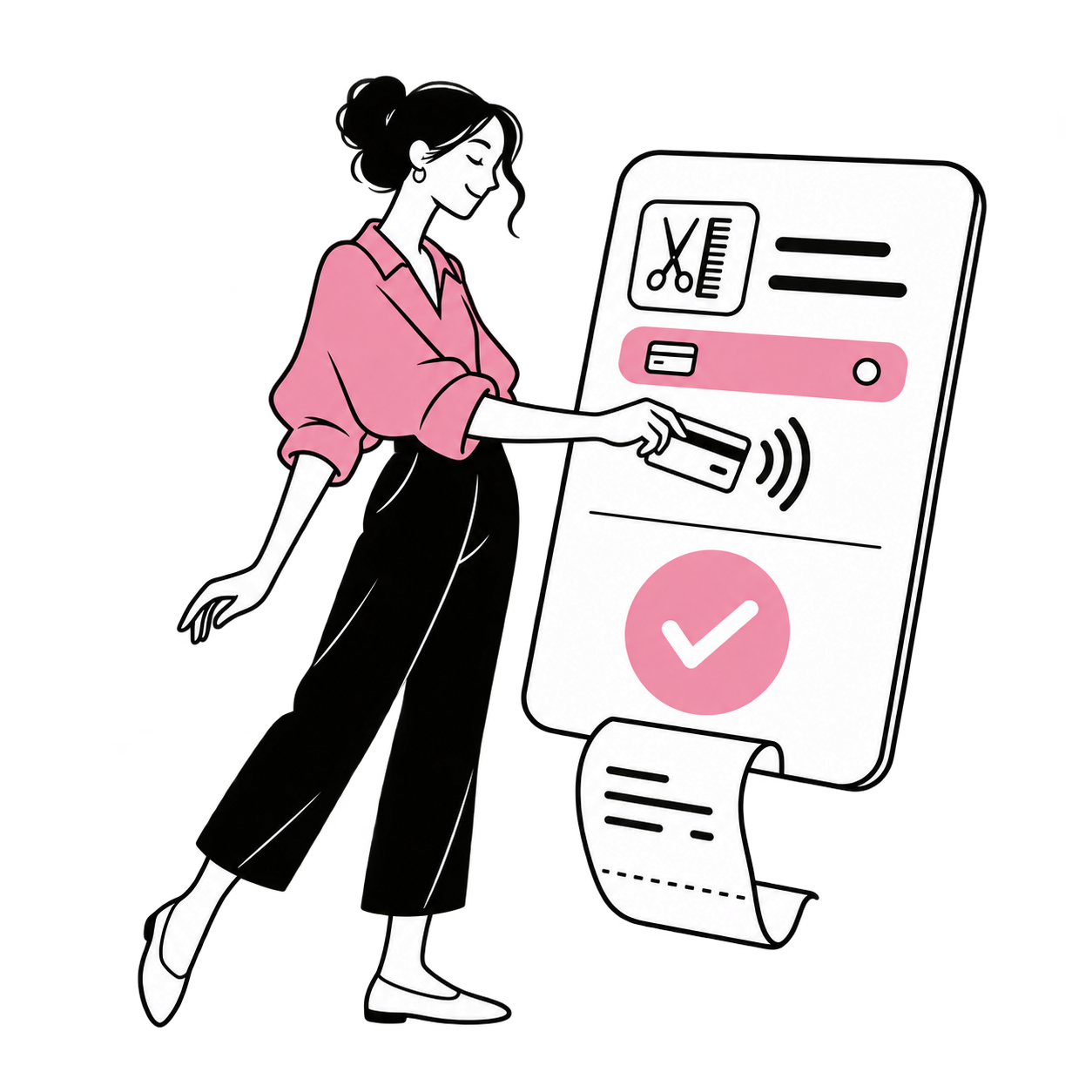
Explain pickup and payment
Make pickup, delivery and payment terms clear. Customers pay your business directly, never Alyeon.
Manage the follow-through
Review orders against product availability and your fulfilment process.

In your business
Cafés & Bakeries
Show your butter croissants and other bakes to customers of your café or bakery.
Frequently asked questions
Can I list the same products online and at the counter?
A shared product catalogue can help you keep naming and pricing consistent across channels. Explore inventory management.
Which delivery or collection options are included?
Delivery and collection depend on your own setup and the services available in your location. Discuss your setup.
Can I run an offer on a product?
A product offer needs a clear item, benefit and end condition. Explore offers and discounts.