Payments & Point of Sale
Bring services, products and payments into one checkout.
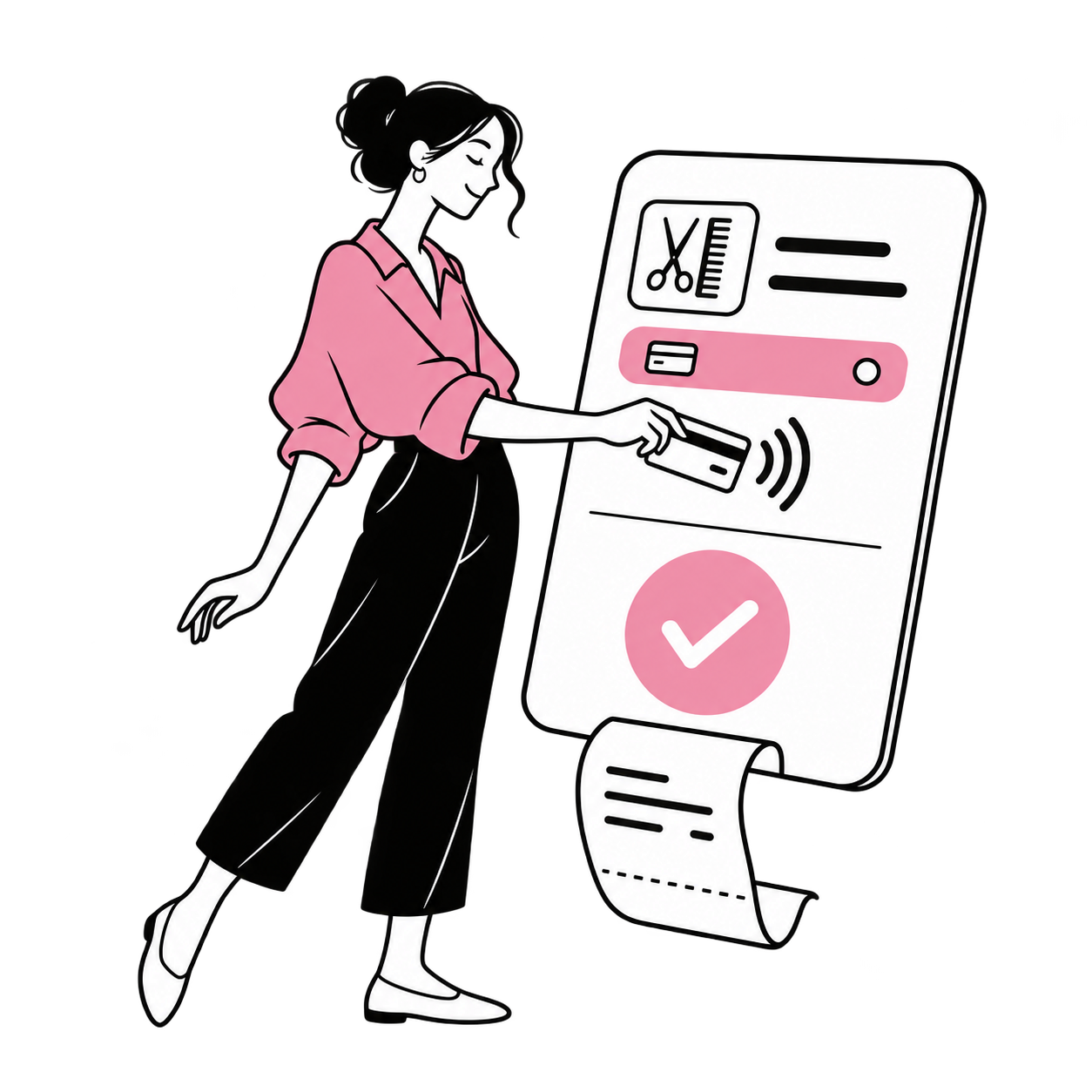
Review the basket before taking payment
Review the basket, total and payment result together.
Build the basket
Add the services delivered and any retail items the client chooses.
Review the total
Check quantities, prices and eligible discounts before taking payment.
Close the sale
Record the payment result and provide the relevant receipt details.
In your business
Hair Salons
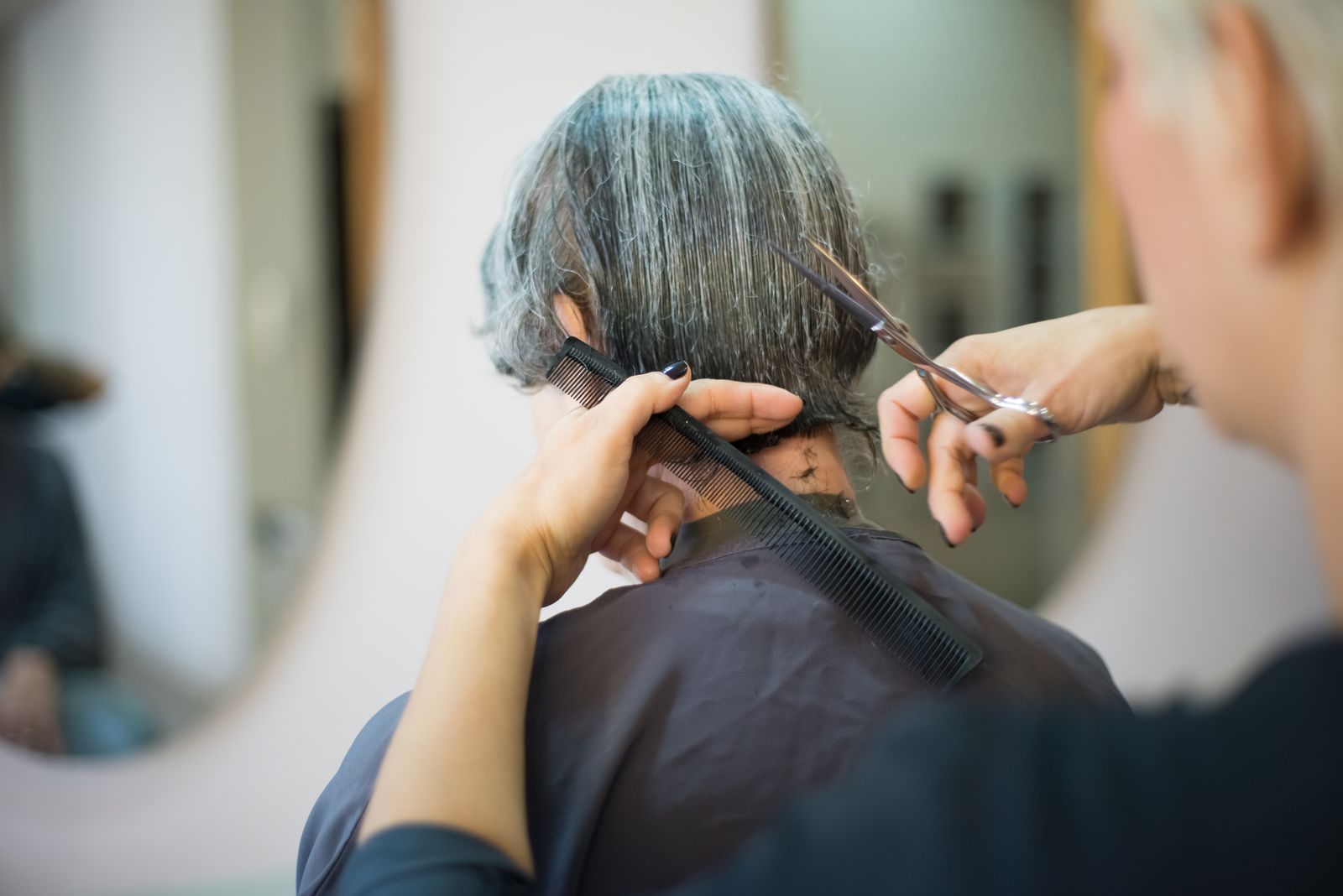
Review checkout for cut & finish in your salon.
Frequently asked questions
Which payment methods can I use?
The payment methods available depend on your provider, country and chosen setup. Discuss payment setup.
Can services and products share a checkout?
A mixed basket helps the front desk review a service alongside products bought at the visit. Explore product inventory.
Where can I review completed sales?
Checkout is where a transaction is recorded; sales reports help you review those transactions afterward. Explore sales reports.